7 Ways to Make Your Camera Store Website Sell
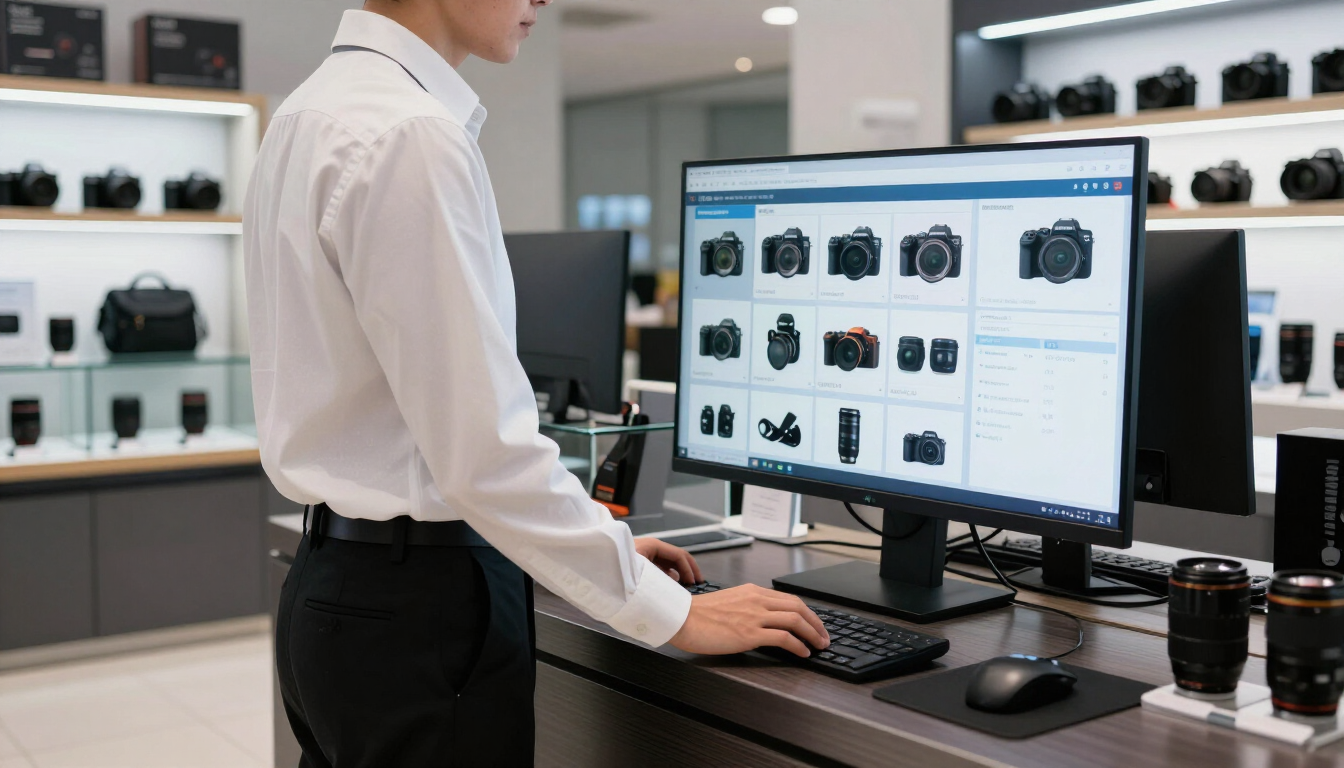
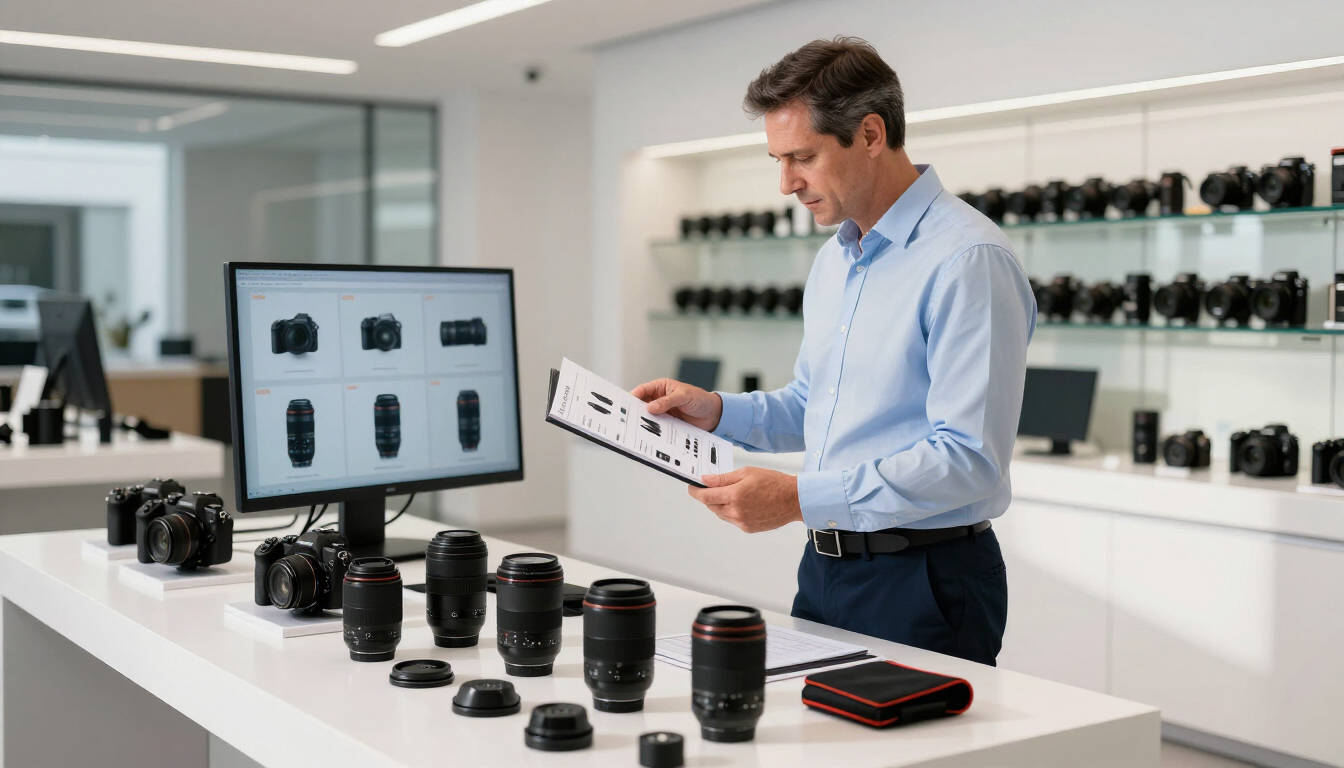
A camera store website becomes a better sales tool when it does more than display products. It should help shoppers choose confidently, answer common questions, connect online browsing with in-store expertise, and make buying easy. The goal is a useful digital sales assistant that creates more qualified visits, orders, and repeat business.

Why should your camera store website support sales?
Camera equipment is rarely an impulse purchase. Customers may compare sensors, lenses, compatibility, warranties, accessories, and prices before they contact you or visit your store. If your website only shows a catalogue, it leaves much of the selling process to competitors, marketplaces, or search engines.
A stronger website helps customers move from uncertainty to action. It can:
- Explain which product fits a specific need or budget
- Show accurate stock, pricing, promotions, and availability
- Create clear paths to buy online, reserve, or visit the store
- Build trust with expertise, reviews, policies, and useful content
- Capture demand outside regular store hours
This does not mean replacing your sales team. It means giving your team a digital tool that answers predictable questions before a customer walks through the door.
1. Organize products around customer needs
Most shoppers do not think in product database categories. They think, “I need a camera for travel,” “I want better portraits,” or “Which lens works with my camera?” Your navigation and landing pages should reflect those real-life goals.
Create pathways such as:
- Cameras for beginners
- Travel and compact photography
- Portrait and studio gear
- Video and content creation
- Used equipment and trade-ins
- Printing, framing, and photo services
Within each pathway, explain who the product is for, what problem it solves, and what the next upgrade might be. Link related accessories without overwhelming the shopper. A camera body page should make it easy to discover compatible lenses, memory cards, batteries, bags, and support services.
For a stronger catalogue foundation, consider Managed Product Data . Consistent specifications and descriptions make products easier to compare and more trustworthy.
2. Make product pages answer buying questions
A product page should help a customer decide—not simply repeat the manufacturer’s specifications. Start with a short summary that explains the best use case, then organize details for quick scanning.
Include:
- A plain-language “best for” statement
- Compatibility information and important limitations
- Key specifications in a comparison-friendly format
- Clear availability, delivery, pickup, or reservation options
- Warranty, returns, financing, and support details
- Related products and useful accessories
- Customer reviews or staff recommendations
Use descriptive headings and concise answers to common questions. For example: “Is this camera good for travel?” or “Which lens should I buy with it?” These sections can improve conversions while also giving search engines and answer engines clear, quotable information.
Avoid copying generic manufacturer text across every retailer page. Add your own practical perspective: who buys the product, what your staff likes about it, and what customers should consider before ordering.
3. Connect online shopping with the physical store
Your website should make the store more valuable, not compete with it. Customers may prefer to research online and finish in person, especially when they want to handle a camera, ask questions, or compare options with an expert.
Offer visible actions such as:
- Check store availability
- Reserve for pickup
- Book a consultation
- Ask a product question
- Trade in or sell used equipment
- Get help choosing a complete kit
Show the store address, hours, phone number, parking information, and map near relevant products—not only on a contact page. If inventory changes quickly, explain how availability is confirmed so customers know what to expect.
A Unified Point-of-Sale can help connect product, customer, and order information across channels. That reduces friction when a customer begins online and completes the purchase in store.
4. Improve local search visibility
Camera buyers often search for a nearby retailer when they need advice, urgent equipment, repairs, printing, or pickup. Local SEO helps your website appear at the moment that need exists.
Make sure your website clearly communicates:
- The city and neighborhoods you serve
- Brands, categories, and services you offer
- Store hours and holiday updates
- Pickup, delivery, repair, and printing options
- Reviews and authentic customer experiences
Create useful service and category pages rather than stuffing location names into every paragraph. For example, a page about same-day printing, used cameras, or beginner photography workshops may attract more qualified local searches than a generic “camera store” page.
Keep your business information consistent across Google and other important properties. Managed Google Services can support this work, while Google Properties Management can help keep profiles and listings aligned.

5. Use content to guide, not just attract
A blog can bring visitors to your site, but its best commercial role is helping people make decisions. Focus on questions your staff answers repeatedly.
Useful topics include:
- What camera should a beginner buy?
- How do you choose a portrait lens?
- Mirrorless versus DSLR: what is the practical difference?
- What camera gear do you need for travel?
- How can you print photographs at home or in store?
Every article should point to a relevant next step: compare products, view a category, reserve an item, book advice, or contact the store. Avoid publishing disconnected articles that generate traffic but do not support a purchase journey.
For customers interested in prints and gifts, connect educational content to Online Printing or your Printing Catalog . This can introduce services to shoppers who originally arrived looking for equipment.
6. Reduce checkout and enquiry friction
Every extra step creates an opportunity for a customer to leave. Review your website on a phone and test the complete journey from search result to confirmation.
Look for:
- Slow-loading pages or oversized images
- Buttons that are difficult to find on mobile
- Unclear shipping and pickup costs
- Checkout fields that are unnecessary
- Product options that are confusing
- Contact forms that ask for too much information
Use one clear primary action per page. A product page may prioritize “Add to cart,” while an out-of-stock page may prioritize “Notify me” or “Ask an expert.” Make phone numbers tappable and ensure customers can return to their cart without losing selections.
A managed eCommerce Webstore can provide a more consistent buying experience while allowing your team to focus on merchandising, service, and customer relationships.
7. Measure the website as a sales channel
Traffic alone does not show whether your website is helping the business. Track actions that connect digital activity to revenue and store visits.
Start with these measures:
- Product views that lead to cart additions
- Online purchases and average order value
- Pickup or reservation requests
- Calls, consultation bookings, and contact forms
- Local search actions such as calls and direction requests
Review performance by category, device, location, and customer journey. If a page receives traffic but produces no useful action, improve its offer, information, or next step. If a product sells well in store but performs poorly online, investigate photos, copy, availability, and checkout friction.
Use customer questions as ongoing research. Sales staff, support teams, and search data can reveal missing pages and unclear product explanations.
A practical 30-day improvement plan
You do not need to rebuild everything at once. Prioritize the parts closest to revenue.
- Week one: Identify your top products, common customer questions, and highest-value services.
- Week two: Improve five product pages with clearer summaries, specifications, availability, and related products.
- Week three: Add online-to-store actions, local information, and one useful buying guide.
- Week four: Test mobile checkout, review analytics, and ask staff what still confuses customers.
Then repeat the process with another product category or customer segment. Small improvements compound when they make discovery, decision-making, and purchase easier.
How do you know what to improve first?
Start with pages that already receive visitors or support products with strong margins. Next, prioritize problems that sales staff hear often: compatibility concerns, unclear availability, shipping questions, or uncertainty about which option to choose.
If your catalogue is difficult to maintain, product data may be the first priority. If shoppers find you but do not visit, local information and store calls to action may matter more. If customers abandon carts, focus on checkout, pricing clarity, and delivery expectations.
For examples of how commerce improvements can support specialty retailers, explore Customer Success Stories or Why Unified Commerce .
Key takeaways
A camera store website becomes a better sales tool when it combines useful product guidance with simple paths to purchase and in-store support. Organize the experience around customer goals, improve product pages, connect inventory and store services, strengthen local visibility, and measure meaningful actions—not just visits. Start with a small group of high-value pages, test the changes on mobile, and use staff feedback to guide the next improvements. The best website is not merely a digital catalogue; it is an always-available member of your sales team that helps customers choose with confidence.
Recent Posts