

How Photo Lab Automation Cuts Production Steps

September 9, 2026

Share this article

Photo lab automation connects online, kiosk, and in-store orders to the right production steps with less manual handling. It can standardize order receipt, route jobs by product or printer, flag exceptions, and keep staff informed from submission through printing and processing—helping labs improve speed, accuracy, and customer service.

Photo lab automation workflow from order to print

What does a photo lab order-to-print workflow look like?

A typical workflow has four connected stages:

  1. Order receipt: A customer submits images through an online store, photo kiosk, or staff-assisted counter order.
  2. Order routing: The system identifies products, quantities, sizes, deadlines, and production requirements.
  3. Printing: Approved files and job instructions move to the appropriate printer or production queue.
  4. Processing: Staff complete finishing, inspection, packaging, pickup, delivery, or shipment.

Without automation, employees may re-enter information, rename files, check multiple systems, and manually decide where each job belongs. Those small tasks become significant as order volume grows.

How does photo lab automation simplify order receipt?

The process starts before a job reaches the production floor. A connected ordering experience captures customer details, product selections, image files, payment information, and fulfillment preferences in a consistent format.

With Online Photo Ordering Software , customers can upload and submit orders remotely. A Photo Kiosk Software solution can support in-store customers who want immediate assistance or access to specialized products.

Automation can help by:

  • Validating required information before submission
  • Applying product and pricing rules consistently
  • Confirming file uploads and order details
  • Sending receipts and status notifications automatically
  • Reducing handwritten notes and duplicate data entry

The result is a cleaner handoff from the customer-facing channel to the lab team.

Where can automated order routing reduce manual handling?

Routing is the decision-making layer between order receipt and production. Instead of asking an employee to interpret every order, rules can direct work based on product type, print size, material, quantity, turnaround time, location, or available equipment.

For example, a single order might include standard prints, enlargements, and a photo book. Automation can separate those items into the appropriate production queues while preserving the connection to the original order.

A useful routing workflow should:

  1. Read the order and product requirements.
  2. Match each item to a printer, workstation, or external production partner.
  3. Group compatible jobs for efficient production.
  4. Identify missing files, incompatible specifications, or other exceptions.
  5. Keep order status visible to staff and customers.

This is where Lab Printing Software can provide operational value. The goal is not simply to move files faster; it is to make the next action clear for every job.

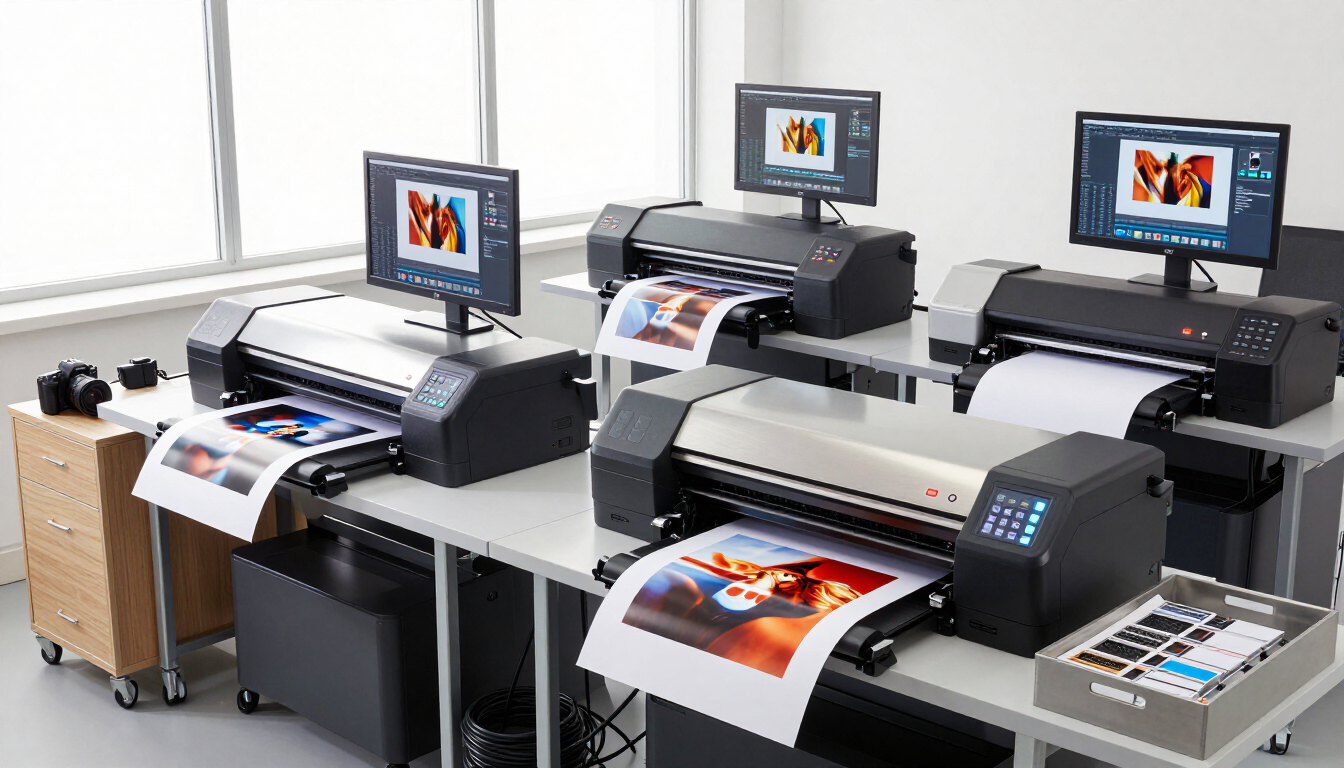
Automated photo lab order routing displayed on production monitors

How can automation improve the printing stage?

Printing becomes more predictable when the production queue already contains the information operators need. Job specifications, quantities, file locations, and finishing instructions can travel with the order instead of being copied manually between systems.

This can help teams:

  • Spend less time searching for files
  • Reduce incorrect sizes, quantities, or media selections
  • Prioritize rush orders without losing standard work
  • Balance jobs across compatible equipment
  • Track completed, paused, and failed jobs

Automation does not eliminate the need for quality control. It gives operators a more reliable starting point and makes exceptions easier to identify before they affect the customer.

What happens after a job is printed?

Processing includes the steps that turn printed output into a completed order. Depending on the product, this may involve cutting, mounting, binding, sorting, packaging, and preparing the order for pickup or shipping.

A connected system can maintain status as work moves through these stages. Staff can see whether a job is waiting, printing, in finishing, ready for pickup, or delayed by an exception. Customers can receive clearer updates instead of calling to ask whether an order is ready.

For labs with retail operations, connecting production status with a broader Unified Point-of-Sale environment can also reduce gaps between online orders, in-store sales, and fulfillment.

The operational benefits of a connected workflow

Photo lab automation is most valuable when it improves the entire flow rather than optimizing only one task. Common benefits include:

  • Fewer manual touches: Staff spend less time re-keying order information.
  • More consistent production: Rules reduce variation between operators and shifts.
  • Better visibility: Managers can identify bottlenecks and aging orders sooner.
  • Scalable capacity: Teams can handle more volume without adding the same amount of administrative work.
  • Improved customer communication: Status information supports proactive updates.

These gains are especially relevant when a lab receives orders from several channels. A unified workflow can help prevent online, kiosk, and counter orders from becoming separate operational silos.

What should photo lab owners evaluate before automating?

Start with the points where work slows down, gets re-entered, or requires repeated decisions. The best automation opportunity is not always the most visible one.

Ask these questions:

  1. Where do employees copy information from one system to another?
  2. Which order types create the most routing decisions?
  3. How are missing files or incorrect specifications handled?
  4. Can staff see the current status of every active order?
  5. Which customer updates are still sent manually?
  6. Can the solution connect ordering, production, and fulfillment data?

Then compare solutions based on workflow fit, integration options, ease of use, reporting, and support—not only on individual features. A phased implementation may be the most practical approach: begin with order intake and routing, then connect printing and finishing workflows.

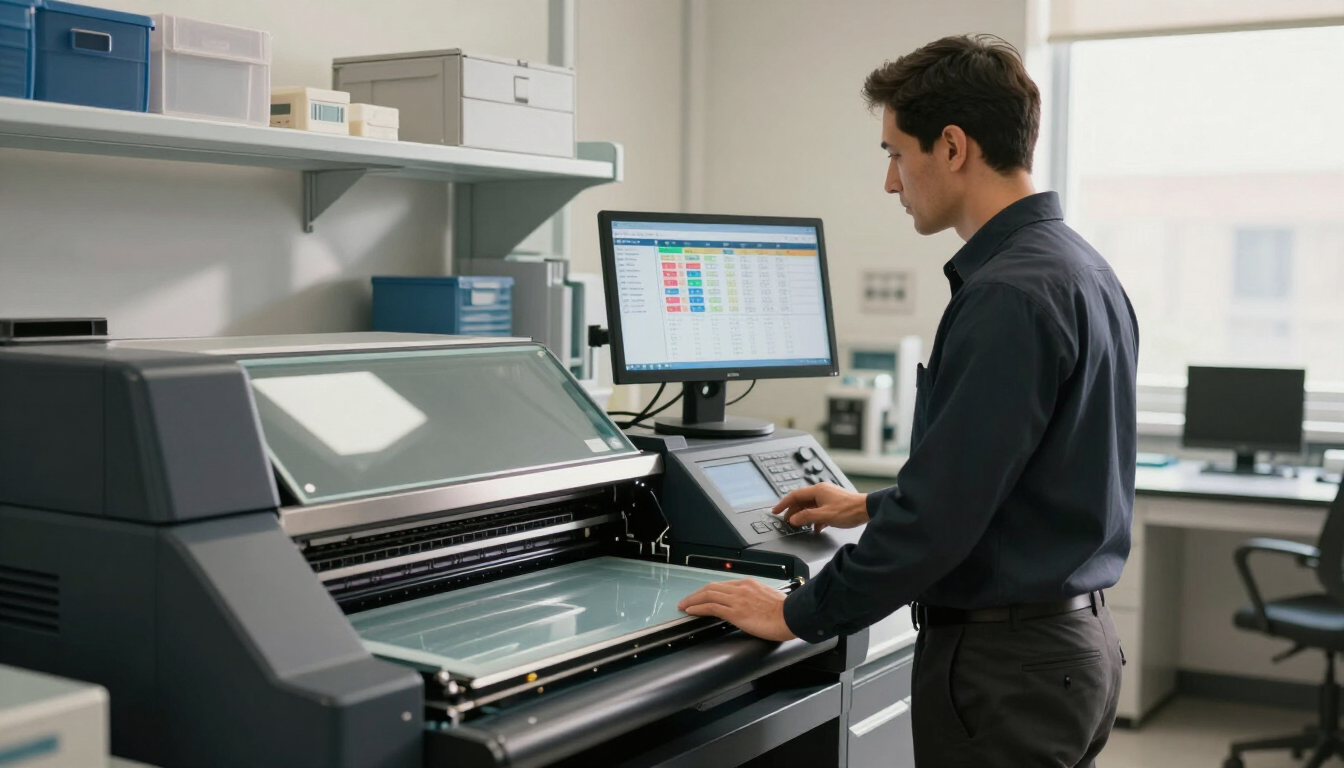
Photo lab team preparing completed prints for customer fulfillment

A practical next step for your lab

Photo lab automation simplifies production by connecting order receipt, routing, printing, and processing into one clearer workflow. It reduces repetitive handling, helps staff act on exceptions, and gives managers better visibility into capacity and delays. If your lab receives work through websites, kiosks, stores, or multiple locations, map the current order journey first. Identify the handoffs that create the most errors or wasted time, then evaluate tools that can connect those stages. Explore dakis Photo Solutions , including Online Photo Ordering Software , Photo Kiosk Software , and Lab Printing Software , to determine which workflow improvements should come first.

Recent Posts

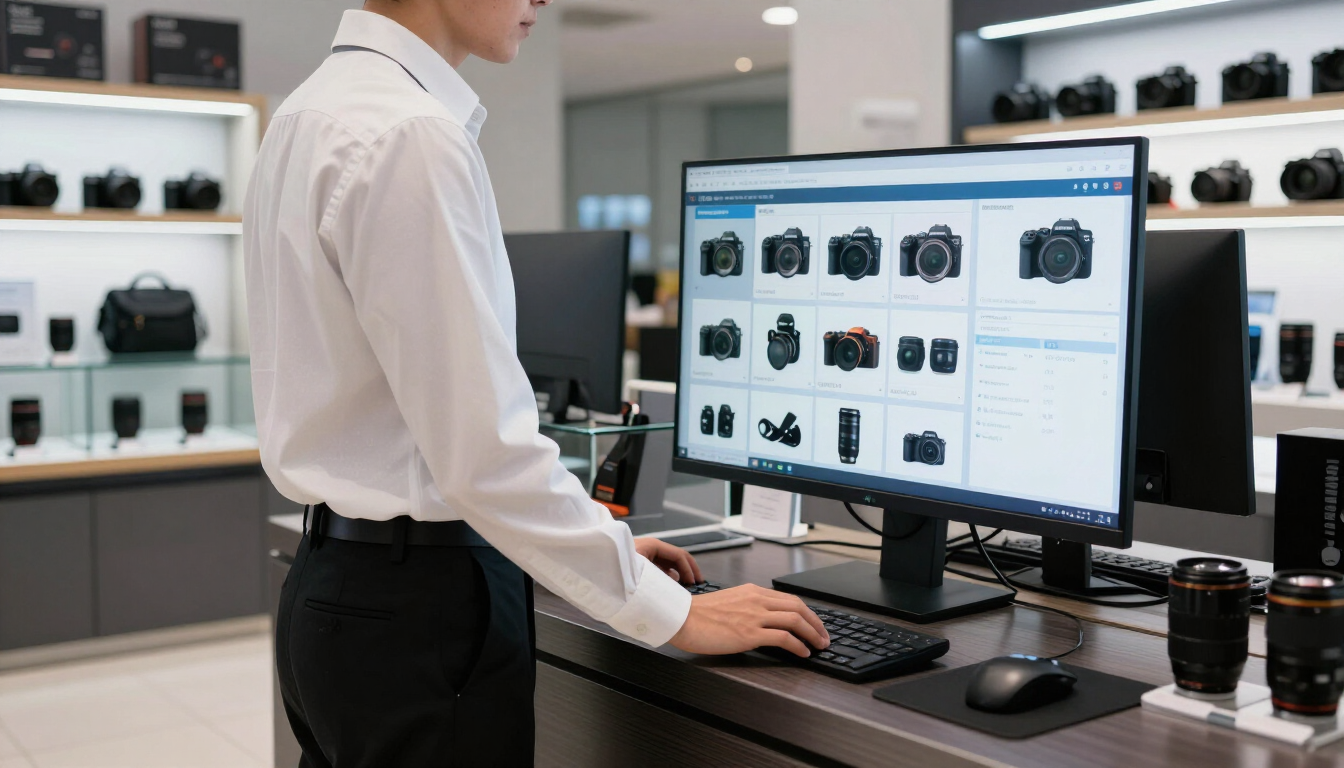
Google Merchant Center catalog for a camera store
September 9, 2026
Learn how camera stores can structure product data, identifiers, pricing, availability, images, and catalog sync for Google Merchant Center.

Camera store owner showing a customer an instant rebate on a premium camera
September 9, 2026
Learn how manufacturer instant rebates help camera stores show savings clearly, manage promotions, and create a smoother online and in-store buying experience.

Accurate product data dashboard for camera retailers
September 9, 2026
Learn why accurate product data matters for camera retailers and how better specifications, compatibility, pricing, and inventory information improve sales and customer trust.
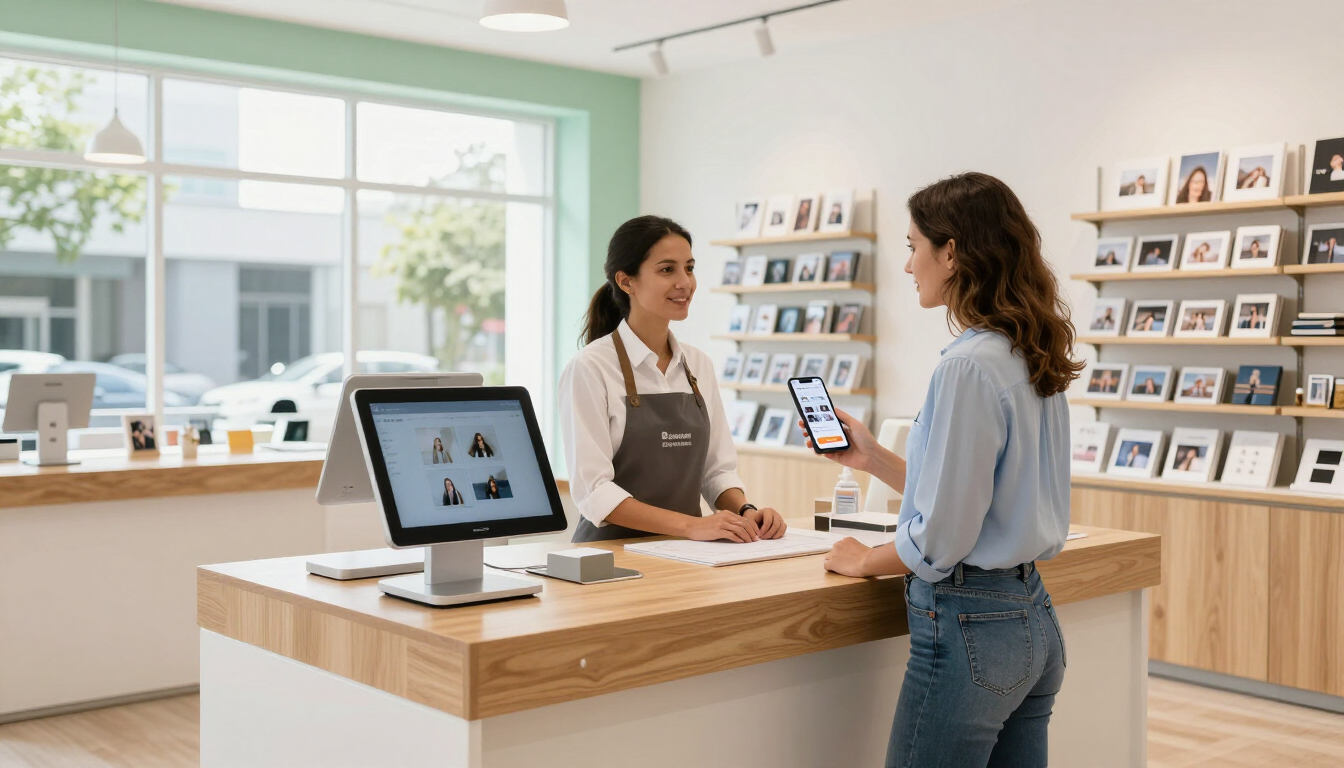
Online vs. in-store photo ordering in a modern photo retail shop
September 9, 2026
Learn why photo customers expect both online and in-store ordering, and how a unified workflow helps photo labs and retailers deliver a better experience.