How Online vs. In-Store Photo Ordering Wins
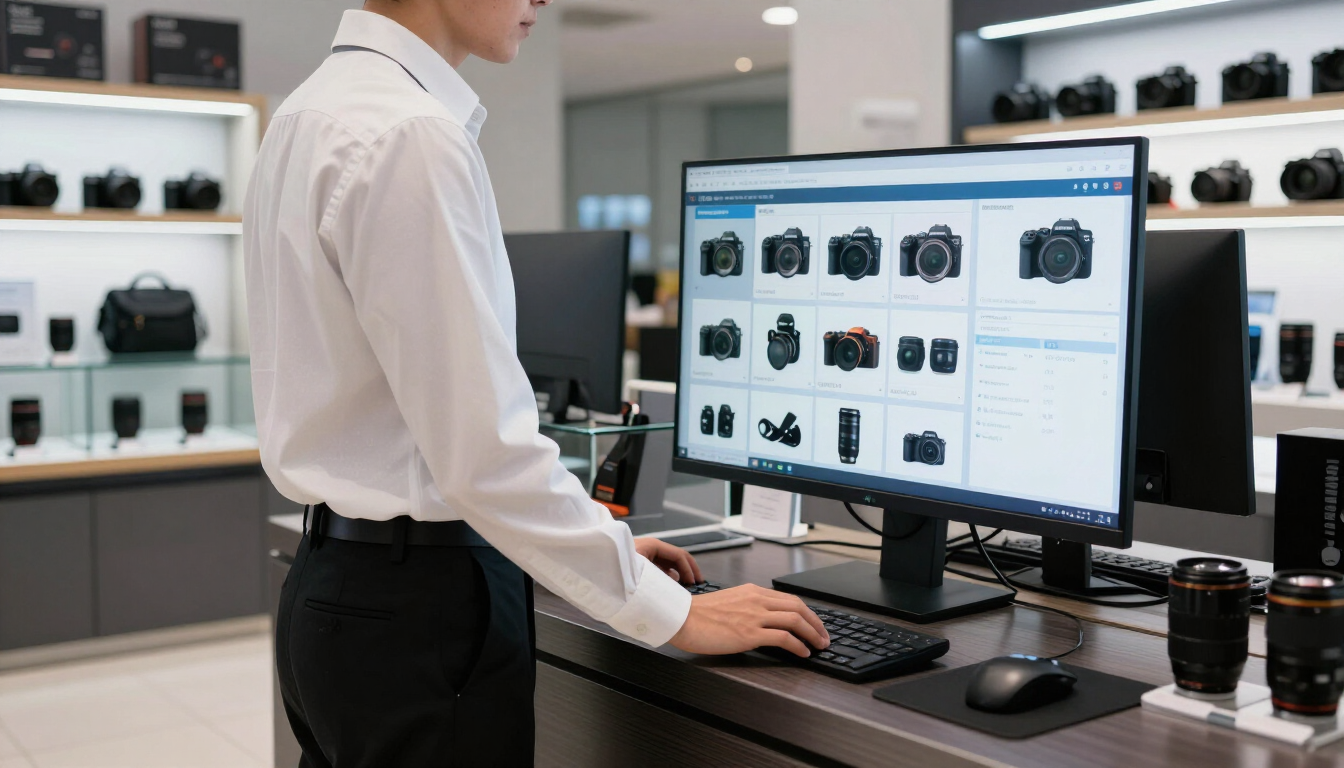
Online vs. in-store photo ordering gives customers the flexibility to choose how they shop, while giving photo businesses more opportunities to capture demand. Online ordering suits convenience and repeat purchases; in-store ordering provides guidance, speed, and confidence. The strongest model connects both experiences through one catalog, workflow, and customer record.
Why do customers expect online and in-store photo ordering?
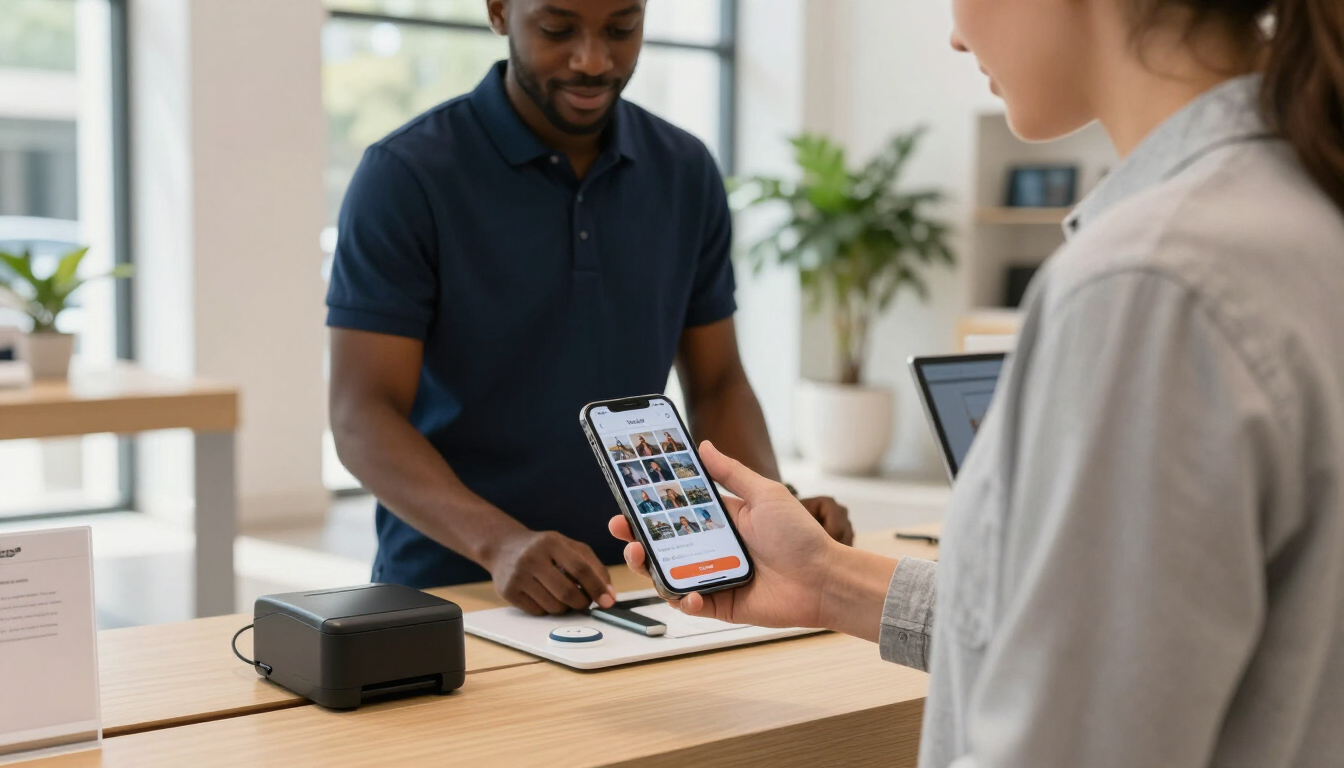
Customers no longer think in terms of a single sales channel. They may discover a canvas print on their phone, ask questions in a store, upload images from home, and collect the finished product at a convenient time. Each interaction is part of the same buying journey.
Several customer expectations are driving this behavior:
- Convenience: Customers want to order whenever inspiration strikes, without traveling to a store.
- Confidence: They may still want expert advice before choosing paper, size, finishes, or color corrections.
- Speed: Some orders are needed quickly, making same-day pickup or kiosk ordering valuable.
- Flexibility: Customers expect to start an order in one place and finish it somewhere else.
- Personalization: Photo products often require more reassurance than ordinary retail purchases.
For photo labs and retailers, offering only one channel creates unnecessary friction. A fully online experience may exclude customers who need help. A fully in-store experience may lose customers who prefer self-service or cannot visit during business hours.
What are the advantages of online photo ordering?
Online photo ordering is designed around convenience. Customers can upload images from a phone or computer, browse products, compare options, and submit an order without waiting for assistance. This is especially useful for repeat customers who already understand the process.
A strong online channel can help your business:
- Reach customers beyond store hours. Orders can be placed at night, on weekends, or while customers are traveling.
- Increase product discovery. A well-organized catalog can expose customers to books, enlargements, gifts, cards, and wall décor they may not notice in-store.
- Reduce counter congestion. Customers who prefer self-service can complete routine orders without staff intervention.
- Support repeat purchasing. Saved accounts, order history, and familiar product choices make the next purchase easier.
- Create marketing opportunities. Email, search, and remarketing campaigns can direct customers to specific products or seasonal offers.
Online ordering is particularly effective for customers who already have finished images and know what they want. It also supports a broader geographic service area than a physical counter alone.
Businesses evaluating this channel can explore online photo ordering software to see how a dedicated ordering experience can fit into a larger retail operation.
When is in-store photo ordering still better?
In-store ordering remains important because photography products can involve decisions that are difficult to make on a small screen. Customers may want to compare paper samples, discuss image quality, or ask whether a file will print well at a particular size.
The store is often the better choice when a customer:
- Needs help selecting a product or finish
- Has concerns about cropping, resolution, or color
- Wants immediate assistance with a complex order
- Needs a last-minute print or pickup
- Prefers personal service or is less comfortable with digital tools
In-store experiences also build trust. Staff can explain trade-offs, recommend suitable products, and prevent avoidable mistakes before production begins. That expertise is a meaningful differentiator for independent photo retailers and labs competing with generic online providers.
Kiosks can extend this value without requiring an employee to enter every order manually. With the right photo kiosk software , customers can upload or select images in-store while staff remains available for higher-value questions.
The connected customer journey
The real opportunity is not choosing between online and in-store ordering. It is connecting both paths so customers experience one business rather than separate systems.
A connected journey might look like this:
- A customer sees a seasonal print offer online.
- They upload images from home and save an unfinished project.
- They visit the store to review paper or framing options.
- Staff updates the order without starting over.
- The customer pays online or at the counter.
- The finished order is produced and collected, shipped, or prepared for delivery.
This continuity matters because customers do not care which system handled each step. They care that their information, product choices, pricing, and order status remain accurate.
A unified approach can also connect ordering with unified point-of-sale , production, payments, and customer communication. That reduces duplicate entry and gives employees better visibility into what needs to happen next.

What should photo businesses compare between the two channels?
The best channel mix depends on your customers, products, staffing model, and production capabilities. Compare the experiences across a few practical dimensions:
| Business need | Online ordering | In-store ordering | |---|---|---| | Convenience | Available around the clock | Depends on store hours | | Personal guidance | Limited or digital | Immediate expert support | | Product discovery | Broad catalog and promotions | Physical samples and demonstrations | | Order complexity | Best for familiar products | Strong for custom or uncertain orders | | Speed | Pickup options can be offered | Same-day service may be available | | Staff workload | Automates routine steps | Requires employee time but adds service value |
This comparison is not a competition. The goal is to identify where each channel performs best and remove barriers between them.
For example, a customer may begin with a simple online print order but need an employee’s help when expanding it into a framed enlargement. Your systems should make that transition easy rather than forcing the customer to repeat information.
One catalog, consistent products, and accurate pricing
A connected ordering strategy depends on consistent product information. If an 8-by-10 print has different names, prices, turnaround times, or available finishes online and in-store, customers and staff lose confidence.
Centralized product data helps maintain consistency across:
- Online storefronts
- In-store point-of-sale systems
- Kiosks
- Staff recommendations
- Promotional campaigns
- Production and fulfillment workflows
This is why managed product data is more than an administrative task. It supports a reliable customer experience and reduces the chance that staff must explain or correct conflicting information.
Product data should include clear descriptions, dimensions, available materials, image requirements, pricing rules, taxes, turnaround times, and fulfillment options. Seasonal products should be reviewed regularly so outdated offers do not remain visible.
How can a unified workflow improve operations?
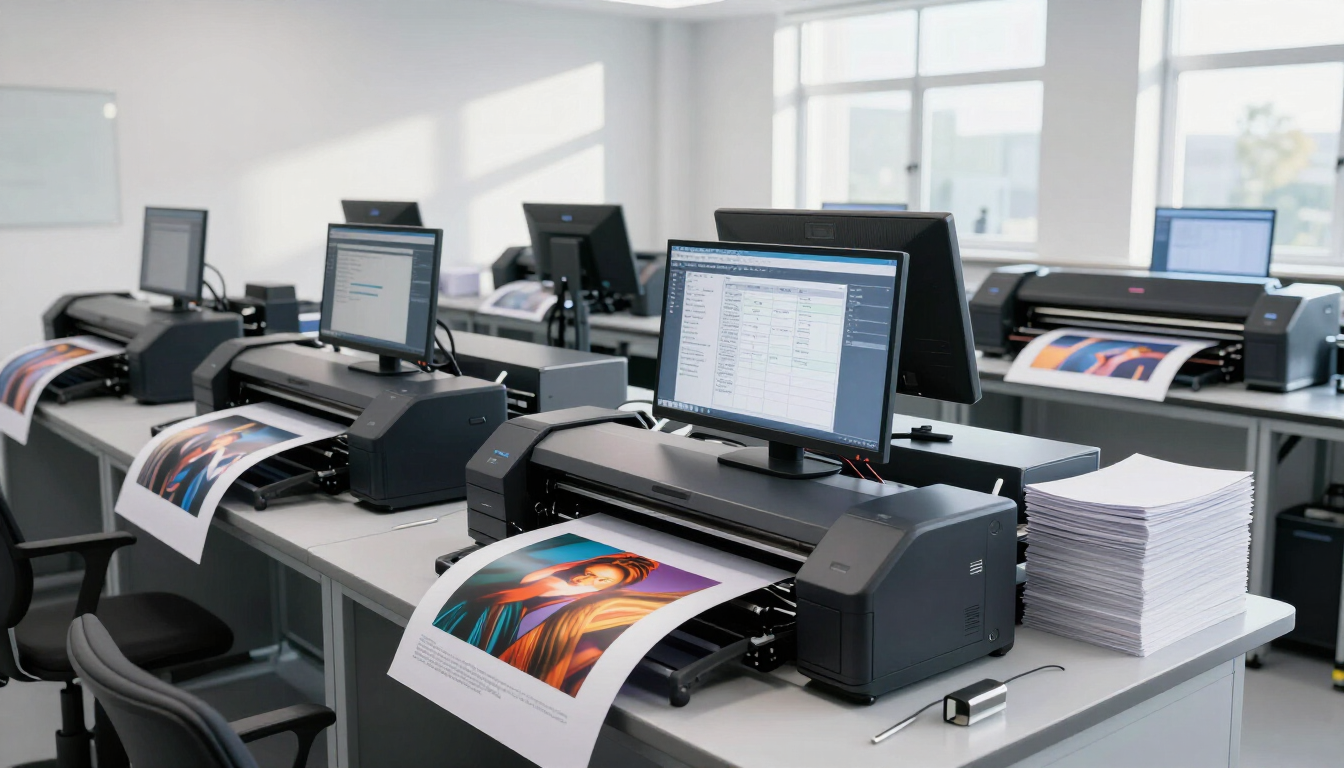
Without integration, online and in-store orders may enter separate systems. Employees then rekey customer details, check multiple dashboards, reconcile payments, or manually update production instructions. These tasks consume time and introduce errors.
A unified workflow can help by:
- Keeping customer and order information in one place
- Applying consistent pricing and promotions
- Sending accurate specifications to production
- Showing order status across channels
- Supporting pickup, shipping, and delivery choices
- Giving managers clearer sales and operational reporting
The operational benefit is especially important for businesses offering prints and personalized products at scale. More orders should not automatically mean more manual administration.
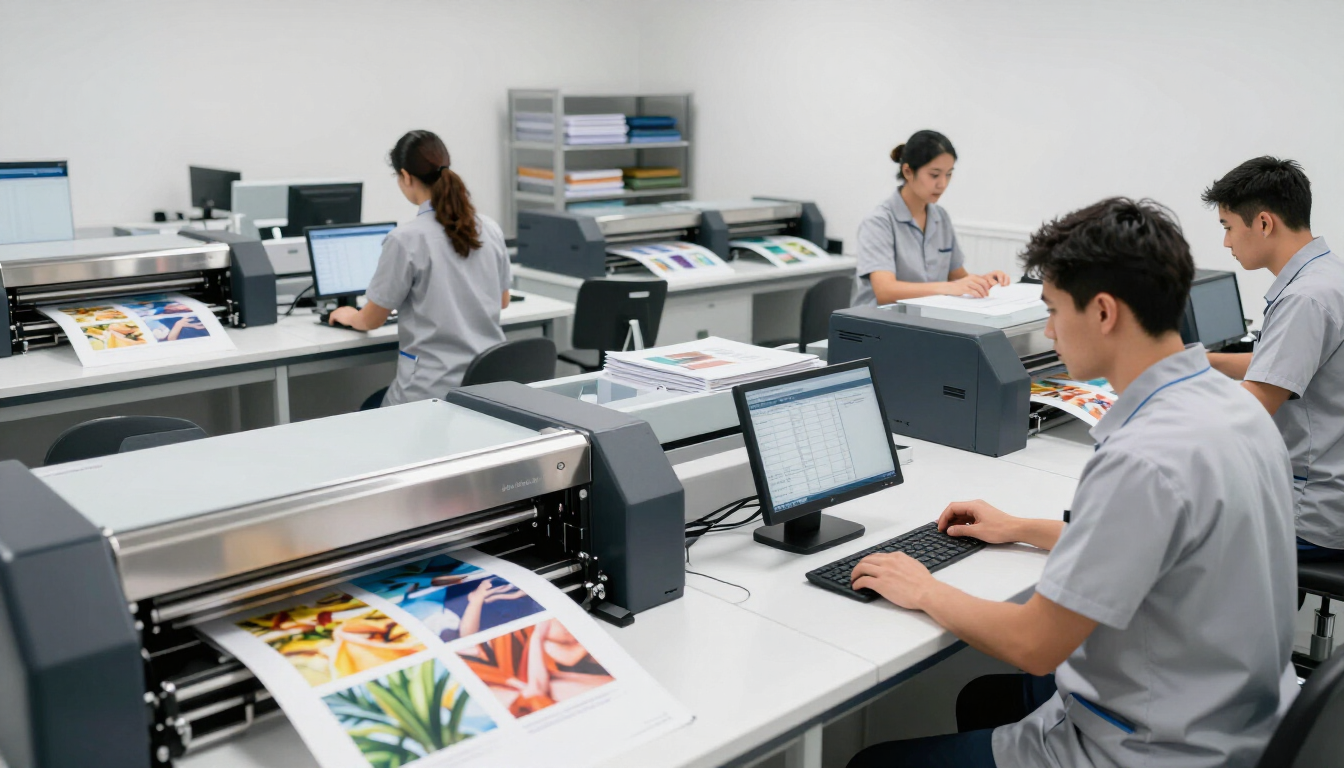
Your production team also needs reliable handoff information. Connecting ordering to lab printing software can help ensure that selected sizes, finishes, quantities, and fulfillment details move forward correctly.
A practical omnichannel checklist
Before expanding or replacing your ordering tools, review the complete experience from the customer’s perspective:
- Can customers browse the same core products online, at a kiosk, and with staff?
- Can an employee help with an online order without recreating it?
- Are pricing, promotions, taxes, and turnaround times consistent?
- Can customers choose pickup, shipping, or another convenient fulfillment method?
- Does production receive complete and accurate order information?
If the answer to several questions is no, the issue may not be a lack of demand. It may be a lack of connection between your channels.
Start with the most common customer journeys rather than trying to redesign everything at once. Map a routine print order, a complex personalized product, and a repeat purchase. Note where customers wait, repeat information, or need staff to correct a system mismatch.
Then prioritize improvements that remove the most friction. For some businesses, that means launching a better online storefront. For others, it means connecting an existing website, kiosk, point-of-sale system, and lab workflow.
Frequently asked questions
Is online photo ordering replacing in-store service?
No. Online ordering handles convenience and routine purchases, while in-store service provides expertise, reassurance, and immediate help. Customers often value both, depending on the product and situation.
What is the best photo ordering experience?
The best experience lets customers choose how to order without losing product information, pricing, order history, or support when they switch channels.
Should a photo lab offer a kiosk and an online store?
For many labs and retailers, yes. A kiosk supports customers who are physically present, while an online store serves customers at home. The key is connecting both to the same product and production workflow.
How do I reduce errors between online and in-store orders?
Use shared product data, consistent business rules, integrated order management, and clear production handoffs. Train staff to locate and continue existing orders instead of recreating them.
The takeaway
Online vs. in-store photo ordering is not an either-or decision. Online ordering gives customers convenience, product choice, and access beyond store hours. In-store ordering adds guidance, trust, and immediate service for complex or time-sensitive purchases. Photo businesses can serve both expectations by connecting their storefront, kiosk, point-of-sale, payments, product data, and lab production workflow. Start by mapping your most common customer journeys, identify where information is lost, and prioritize the integrations that remove friction. The result is a smoother experience for customers and a more efficient operation for your team.
Recent Posts