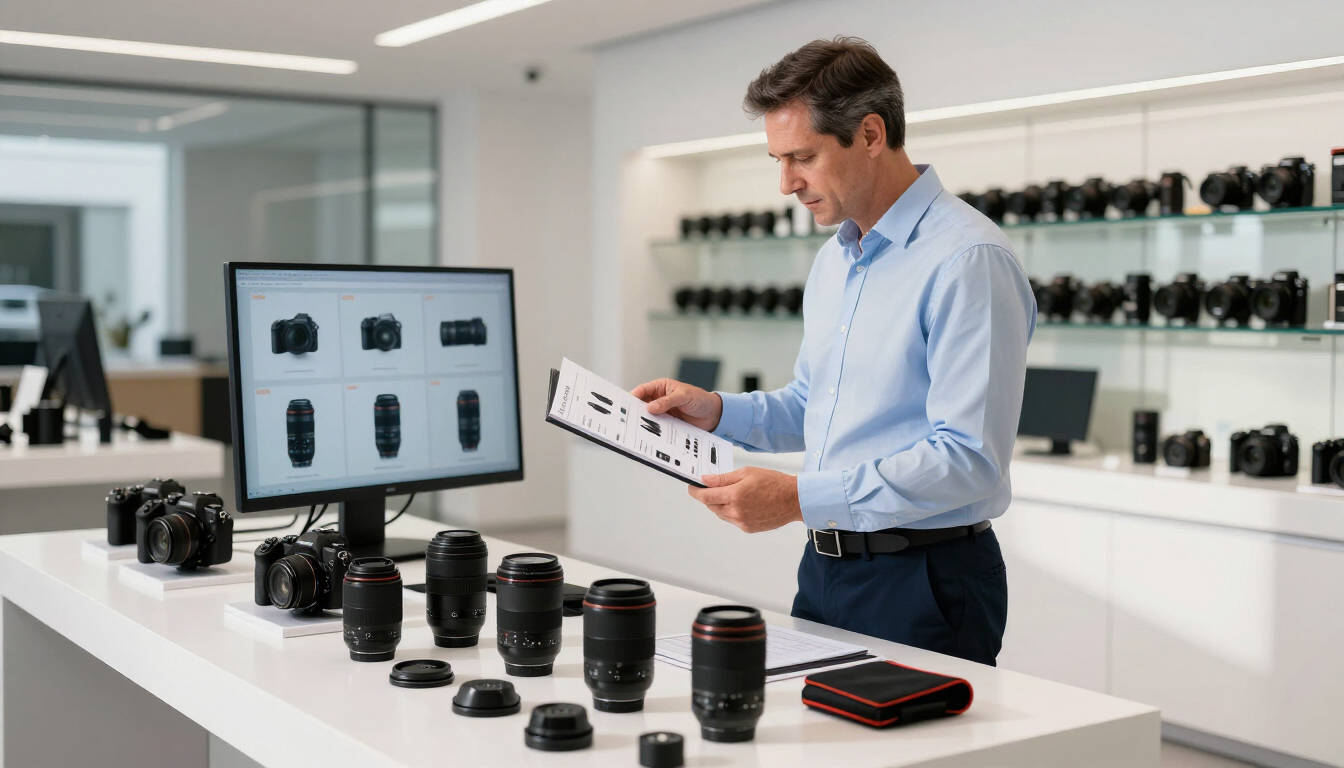
Google Merchant Center for Camera Stores: Win
Google Merchant Center for camera stores is the system that sends your product catalog to Google for free listings and Shopping campaigns. To perform well, every SKU needs accurate product data, identifiers, price, availability, high-quality images, and a reliable synchronization process that reflects your real inventory.
Why does Google Merchant Center matter to camera retailers?
Camera stores often manage thousands of products across bodies, lenses, flashes, tripods, bags, memory cards, printers, film, and accessories. That assortment creates more opportunities to appear in Google—but also more ways for catalog information to become inconsistent.
A product may be technically available in your point-of-sale system but missing online. A lens may have several compatible mounts but an unclear title. A manufacturer rebate may change the effective price while the product feed still shows the old amount. Google Merchant Center detects these inconsistencies, and shoppers notice them too.
A well-structured catalog helps Google understand:
- What the product is
- Which shoppers should see it
- How much it costs
- Whether it can be purchased now
- Which image and landing page represent it
The goal is not simply to upload more products. It is to make every important product easy for Google and customers to interpret.
Explore Managed Google Services to see how catalog, listings, and Google properties can be managed as part of a broader commerce strategy.

What product data should a camera store submit?
Start with a consistent product record for every sellable SKU. At minimum, the record should include a clear title, detailed description, product URL, brand, category, price, availability, image, and unique identifier.
For camera equipment, titles should lead with the information shoppers actually search for. A useful pattern is:
Brand + product name + key specification + compatibility or kit detail
For example:
- Canon EOS R8 Mirrorless Camera Body
- Sony FE 24-70mm f/2.8 GM II Lens
- Fujifilm Instax Mini Film, 20 Exposures
Avoid titles such as “New Arrival,” “Best Deal,” or internal inventory codes. They provide little context and can make similar products difficult to distinguish.
Descriptions should explain the product’s practical purpose, not repeat a list of disconnected keywords. Include compatible mounts, sensor format, focal length, aperture, included accessories, condition, warranty information, and any important limitations.
Your Managed Product Data can provide a stronger foundation when specifications, product copy, and merchandising details need to stay consistent across channels.
How should camera products be categorized?
Accurate categorization helps Google match products with relevant searches. Choose the most specific category available rather than placing every item under a broad “Electronics” label.
A camera retailer may need distinct categories for:
- Digital cameras and camera bodies
- Camera lenses
- Lighting and studio equipment
- Tripods and support
- Bags and cases
- Memory cards and storage
- Darkroom, film, and printing supplies
Category structure should also make sense on your own website. If a product belongs to several collections—for example, a weatherproof lens compatible with a particular mount—use product attributes and filters rather than duplicating the SKU.
Consistent naming is especially important for variants. Treat different colors, capacities, mounts, or kits as separate products when they have separate identifiers, prices, or availability.
Product identifiers that build trust
Which identifiers does Google Merchant Center need?
Use manufacturer-issued identifiers whenever they exist. Common identifiers include:
- GTIN: The barcode number assigned to a product
- Brand: The manufacturer or recognized brand
- MPN: The manufacturer part number
- SKU: Your internal stock-keeping unit
Your SKU helps your business match records internally, but it usually does not replace a GTIN, brand, or MPN. For a Canon camera, for example, the manufacturer’s model number and barcode are more useful to Google than a store-created code.
Do not invent identifiers to fill missing fields. Incorrect GTINs can cause disapprovals, product mismatches, or reduced visibility. If a genuinely custom, used, bundled, or private-label product has no standard identifier, configure the feed accurately instead of guessing.
For used equipment, distinguish condition clearly and keep the product title, description, and landing page aligned. A used lens with visible wear should not share the same representation as a new lens.
How do price and availability stay accurate?
Price and availability are among the most sensitive catalog fields because they affect the customer’s purchase decision immediately. They must match the product page and, ideally, the inventory system that controls fulfillment.
For camera stores, common complications include:
- Low-stock products selling in-store before the next feed update
- Preorders with uncertain release dates
- Manufacturer rebates with eligibility conditions
- Open-box and used items with changing quantities
- Products available for pickup but not shipping
- Kits whose contents differ from the manufacturer’s standard package
Use a single source of truth wherever possible. If your point-of-sale system knows that the last camera body sold, that change should reach the online catalog and Google quickly.
Promotional prices should have clear start and end dates. The sale price must be visible on the landing page, and the original price should be genuine and supportable. If a rebate requires a coupon, membership, trade-in, or manufacturer submission, explain that condition rather than presenting the discounted amount as universally available.
A reliable Unified Point-of-Sale connection can reduce the gap between store inventory, web inventory, and submitted product data.
What makes a camera product image effective?
Images need to identify the exact item being sold. Use a clean primary image that shows the product clearly against a simple background, then add supporting images for important details.
For camera equipment, useful supporting views may show:
- Front, rear, and side views of a camera body
- Lens mount and control rings
- Included accessories in a kit
- Scale, packaging, or condition for used products
- Ports, connectors, or compatibility details
Do not use a generic manufacturer image for a bundle that includes different accessories. Likewise, avoid placing promotional text, watermarks, borders, or unrelated products in the primary image unless the applicable Google requirements allow them.
Image consistency matters at scale. Establish naming, cropping, background, and minimum-resolution standards so a catalog with thousands of SKUs still feels like one trustworthy store.
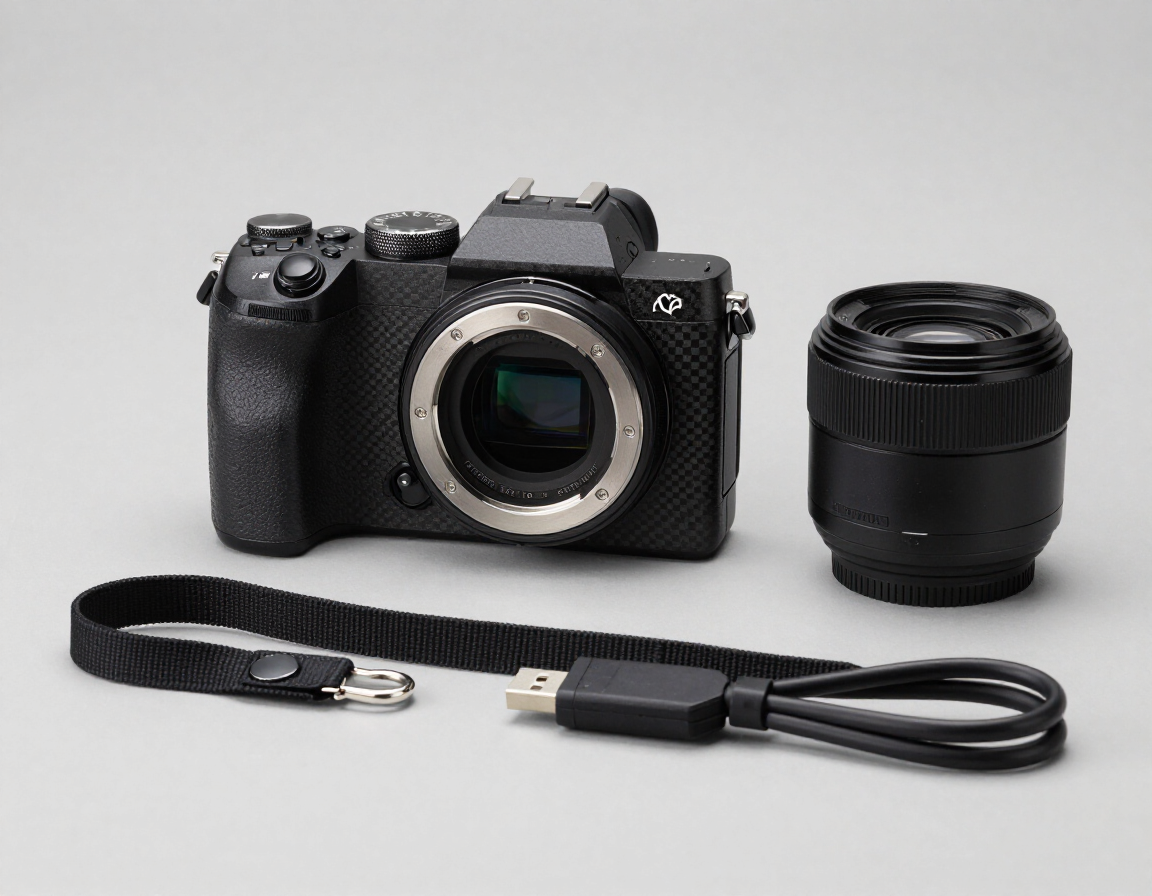
Catalog synchronization at scale
Why is catalog synchronization difficult for camera stores?
A large camera catalog changes constantly. Manufacturers update specifications, distributors change availability, prices move with exchange rates, and stores sell products through multiple channels. Manual spreadsheets rarely keep pace.
A sustainable synchronization process should:
- Pull authoritative product and inventory information from your commerce or POS system.
- Normalize brand names, categories, specifications, and identifiers.
- Map each field to the appropriate Google Merchant Center attribute.
- Send updates on a schedule that matches sales velocity.
- Monitor warnings, disapprovals, missing data, and sudden price changes.
- Route exceptions to a person who can correct the source record.
Automation is valuable, but it should not hide errors. A feed can successfully upload thousands of products while still containing missing GTINs, outdated images, or incorrect availability. Build reporting around exceptions, not just upload success.
Products with frequent inventory movement deserve faster updates than slow-moving accessories. Seasonal products, new releases, and sale items also need closer attention during launch periods.
A practical Google Merchant Center checklist
Before expanding your catalog or increasing ad spend, review these fundamentals:
- Every important SKU has a clear title, description, URL, category, and image.
- Brand, GTIN, MPN, and SKU fields are accurate and not fabricated.
- Prices, promotions, tax treatment, and availability match the landing page.
- Variants, bundles, used products, and preorders are represented honestly.
- Product and inventory updates are monitored after synchronization.
Use Google’s diagnostics to prioritize issues affecting the most products or highest-value categories. Fix source data first; repeatedly patching errors inside a feed creates fragile maintenance work.
What should camera retailers do next?
Google Merchant Center works best when it receives dependable catalog data—not when it is treated as a last-minute advertising upload. For a camera store, the highest-impact work is usually improving product structure, identifiers, inventory accuracy, image standards, and synchronization between systems.
Start with your best-selling cameras, lenses, and accessories. Audit a representative sample, correct the underlying records, then expand the same standards across the catalog. If your team lacks the time or systems to manage this manually, compare Google Merchant Center Management with your current process.
The next step is practical: evaluate where your catalog breaks today, prioritize the errors that affect customer trust and revenue, and create a repeatable process for keeping Google and your store aligned.
Recent Posts