
photo solutions
Photo Kiosk Software
Give in-store customers a self-serve photo ordering experience using the same catalog as your online store.
20+ years
Specialty retail expertise
6 Countries
North America, Europe & Australia
1,000+
Retailers trust dakis every day
1 Platform
online + in-store + lab + services
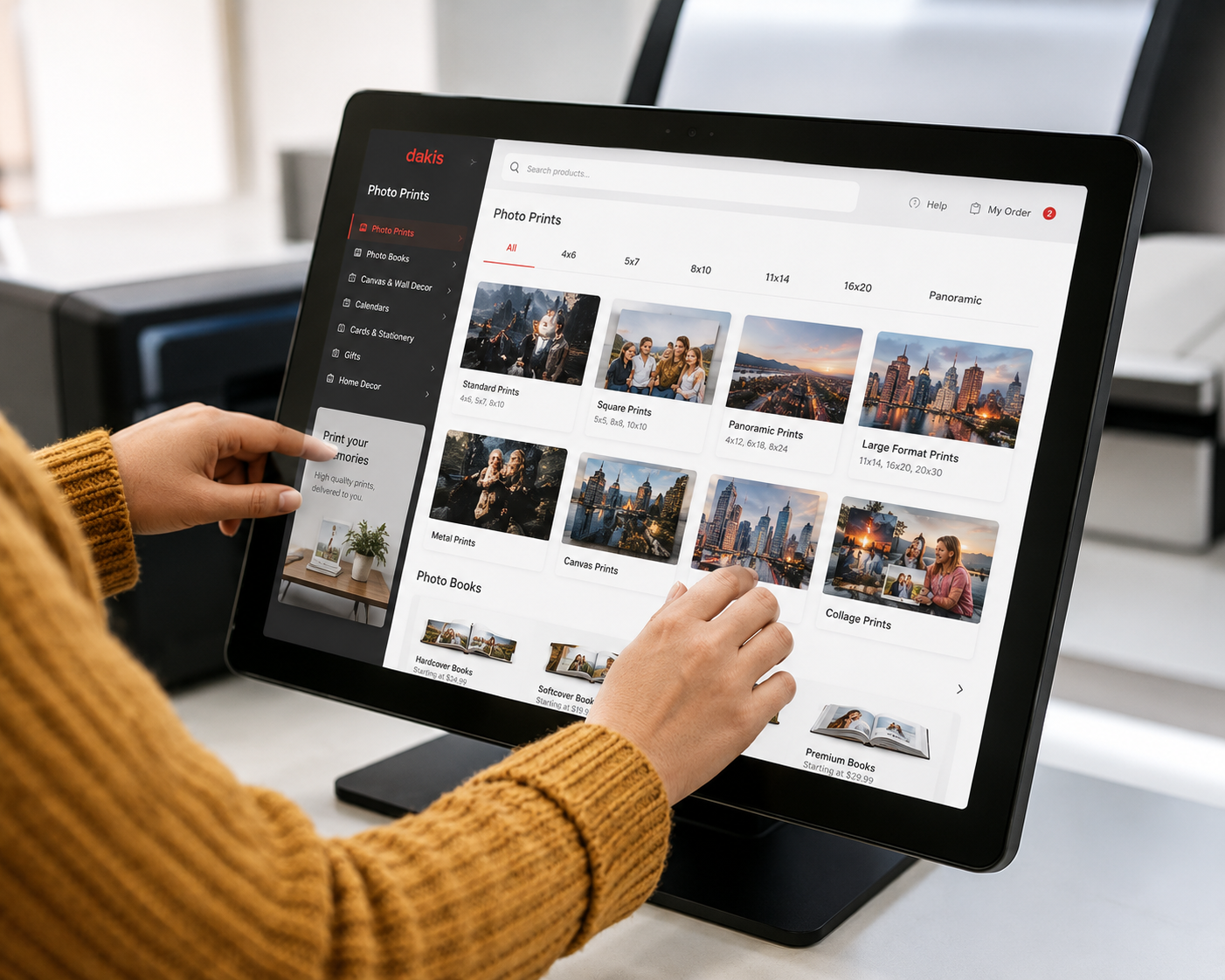
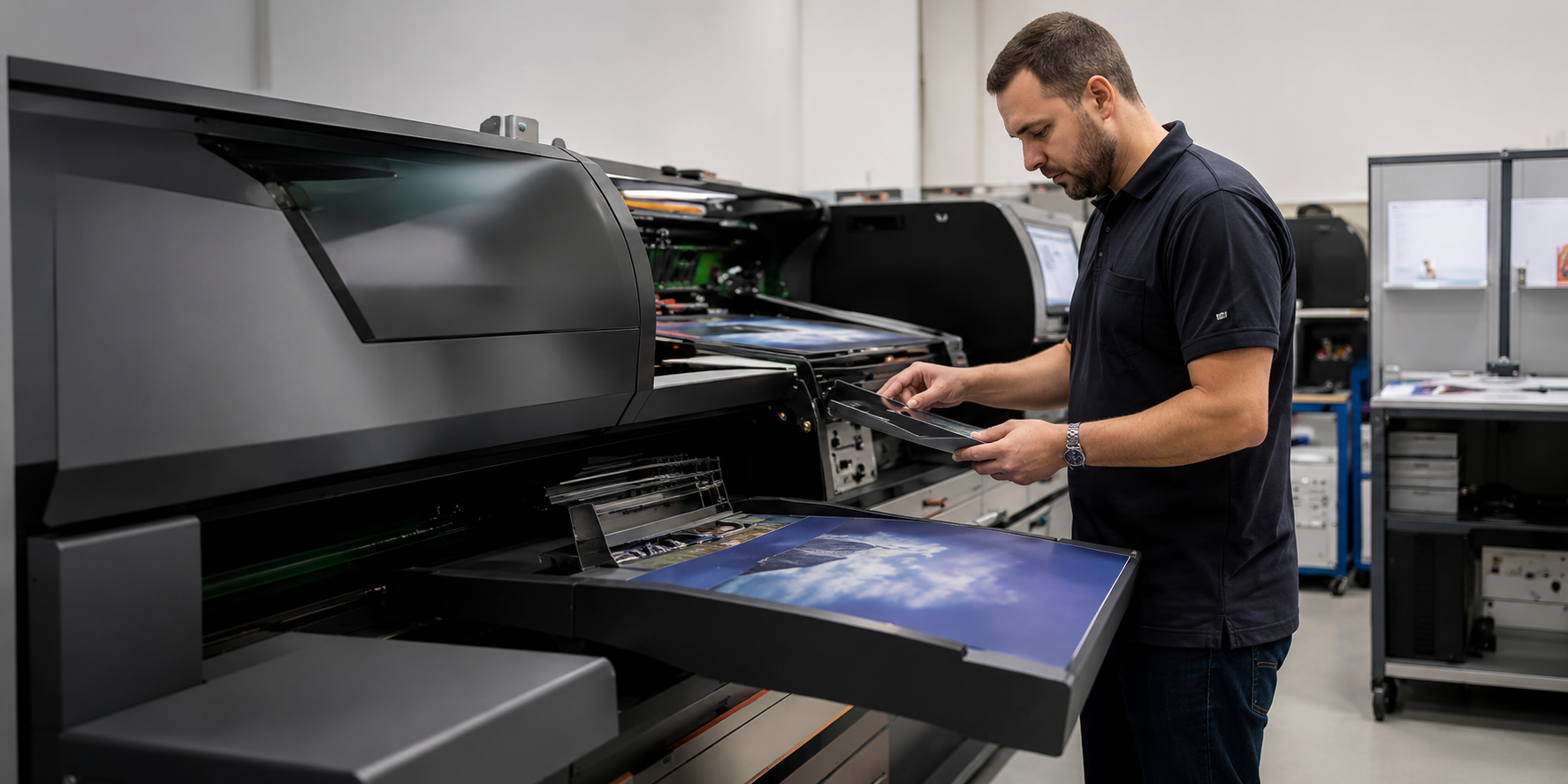
Photo kiosk software gives in-store customers a self-serve way to create and order photo products at your counter. Customers send photos to the kiosk wirelessly from any device through the browser, with no app to download, including from iCloud and cloud storage. Orders route directly to your lab equipment for production. Choose your own hardware or bring an existing kiosk back online.
What it is
Built for
- Camera stores and photo labs with physical retail locations
- Retailers capturing print revenue from walk-in customers carrying photos on their phones
- Multi-location operators managing kiosks centrally across stores
How it fits
Customers walk in with photos on their phone or another device, browse products, customize an order, and place it at the kiosk. The order flows directly to your in-store lab equipment for production. Your team stays on production and service rather than taking orders and handling files by hand.
Why customers choose it
- Use the same product catalog as your online store with no double setup
- Capture in-store orders from customers who arrive with photos on their phones
- Let customers send photos wirelessly from any device, straight through the browser
- Send orders directly to your minilab and photo printers for production
- Update kiosk software across every location centrally, with no on-site IT visits
photo solutions
Why dakis
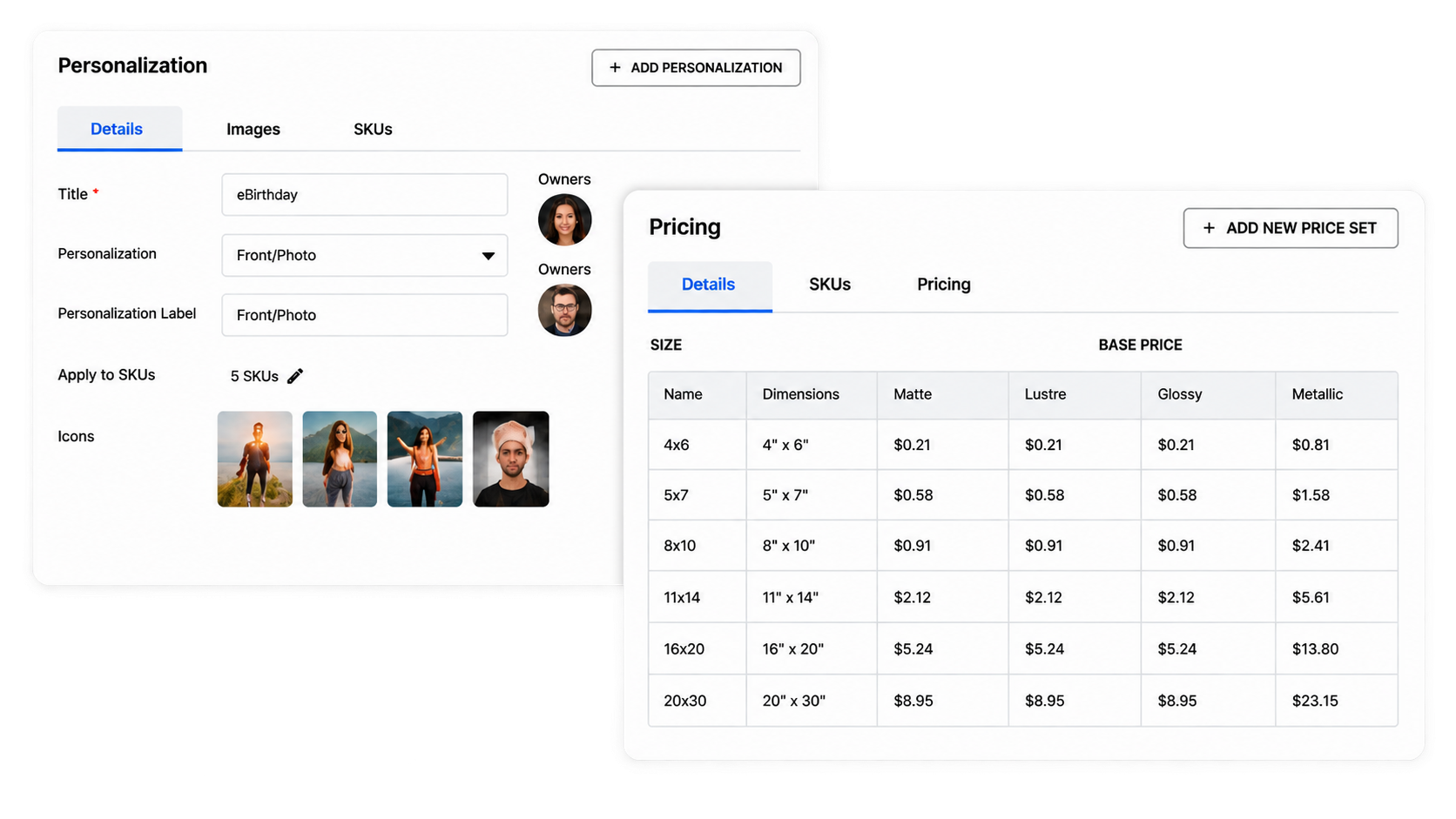
dakis is built for photo retail, with kiosk, online ordering, lab software, and point of sale designed to work together. Because they share one catalog and one workflow, there are no third-party connectors to maintain. Central management handles updates, rollout, and configuration across every location from one account.
Available options
Kiosks scale with your footprint rather than by tier.
Start with one kiosk location or roll out across multiple stores
Add kiosk licences under the same account as your footprint grows
Manage updates and configuration centrally across your kiosk network
Works with
Online Photo Ordering Software
Same catalog, ordered from home instead of in store.
Lab Printing Software
Route kiosk orders straight to your printers.
Unified Commerce
One customer record across the counter and the kiosk
Proof
Businesses using it
CASE STUdY
Fitzgerald Photo
We build forward-thinking solutions that keep your business ahead.
Read the story →
CASE STUdY
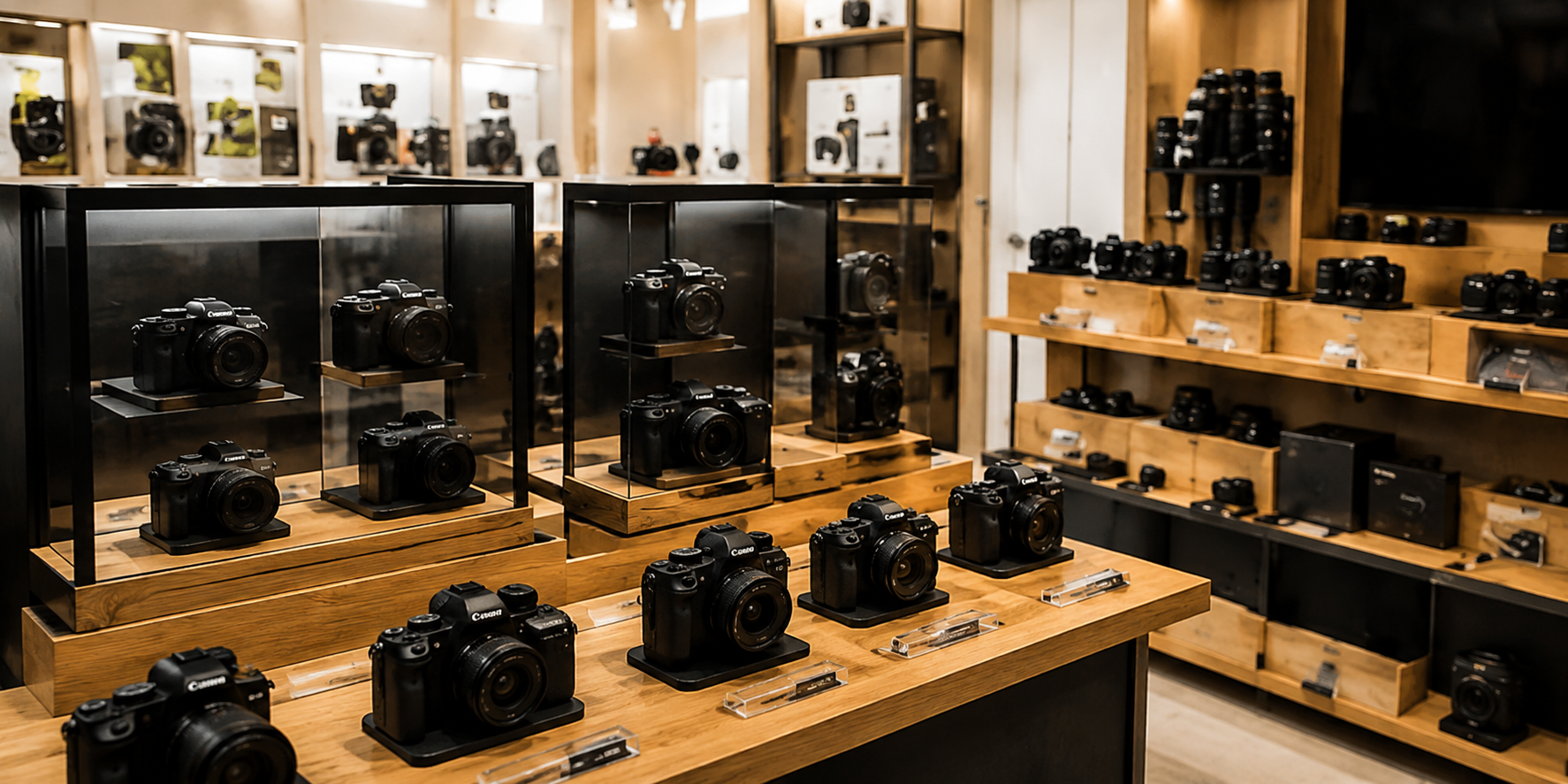
CCPS
Scaling custom photo products and dellvering faster tumaround with dakis.
Read the story →
CASE STUdY
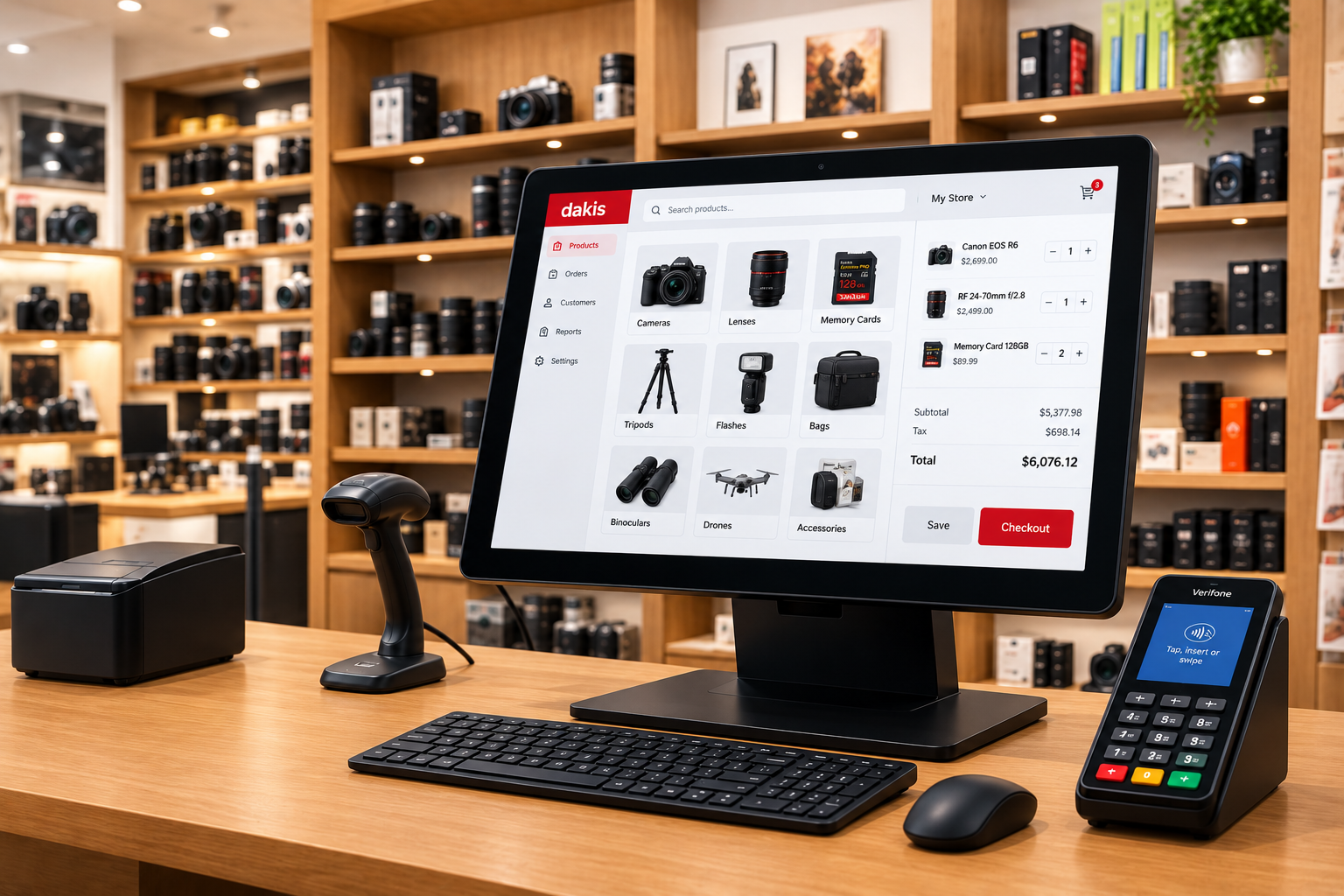
Sharp Photo
Automating production workflows and improving the customer experience.
Read the story →
Frequently asked questions
Can I run a photo lab on a general ecommerce platform?
A general platform can take the order. It cannot send it to the right printer. That gap gets filled by a person who opens each order, reads the specification, and moves the file, which works at low volume and becomes a role as orders grow. Every handoff is also a chance for the wrong paper or the wrong size to reach the machine. dakis carries the specification through to production and routes by product type, so the order reaches the printer without the step in between.
Does dakis work with the printers I already have?
Yes. dakis sends jobs to minilabs, wide-format printers, and hot folders, so you keep the equipment you have.
Do I need to replace my point of sale?
No. dakis offers its own point of sale as part of Unified Commerce, and it also connects to existing systems. Labs run dakis for ordering and production without changing what happens at the counter.
Can I keep my current website?
Yes. Online photo ordering runs on your own domain and under your own brand. dakis also builds and manages websites for labs that want one.
How do customers order?
From your website on a computer or a phone, from a kiosk in your store, or from a private gallery you share with them. All three use the same catalog and the same pricing.
What happens when a product comes out that isn't in the system?
You request it and dakis builds the record, then makes it available to every dakis retailer. New products are added daily.
How long does it take to get running?
[Pending Ryan.]